Fleet assistants
VIEW · CREATE · UPDATE
See who works on a fleet besides its drivers, and add or remove those people.
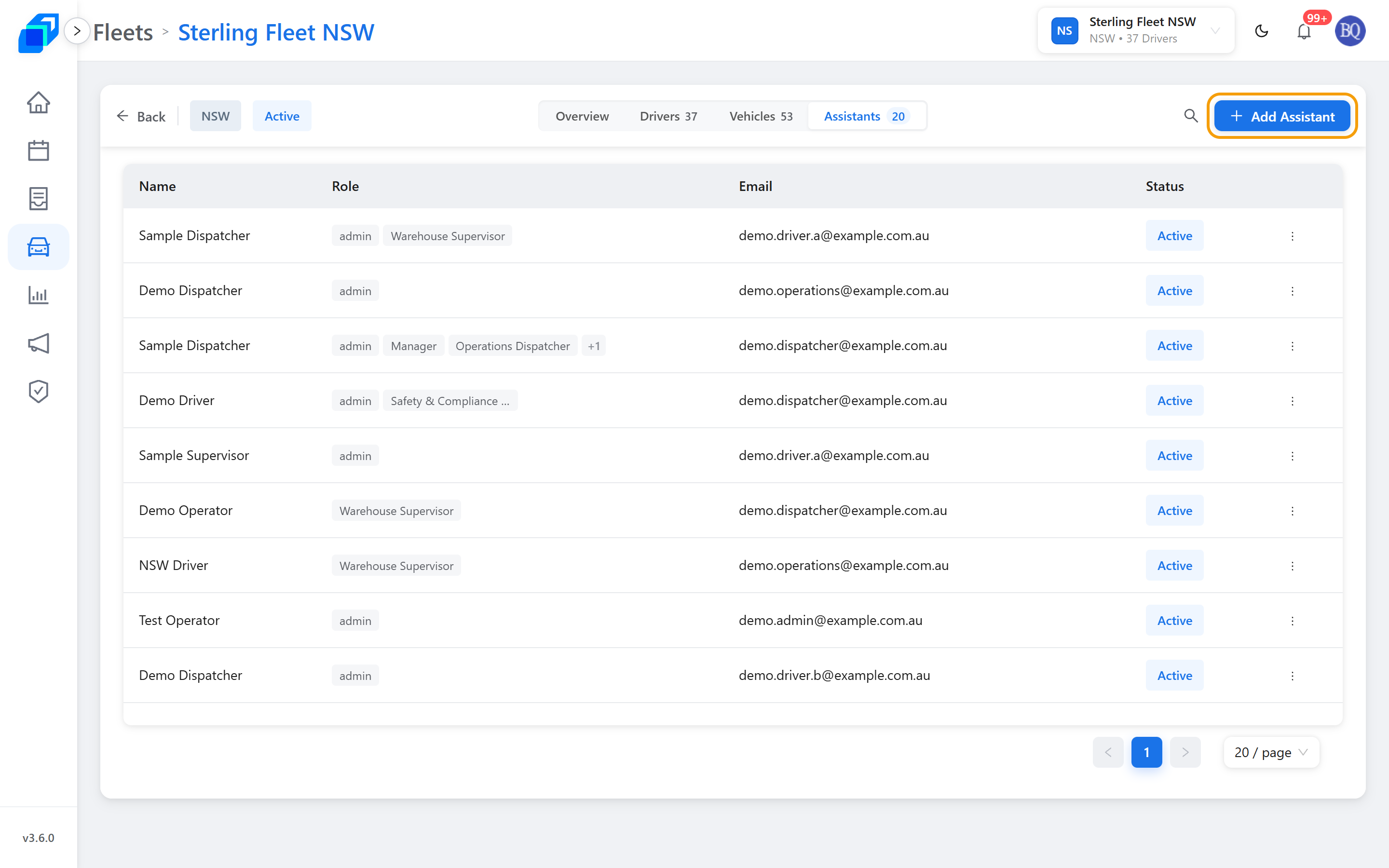
Where to find it: Fleets › your fleet › Assistants. The tab carries a count, like Assistants 20.
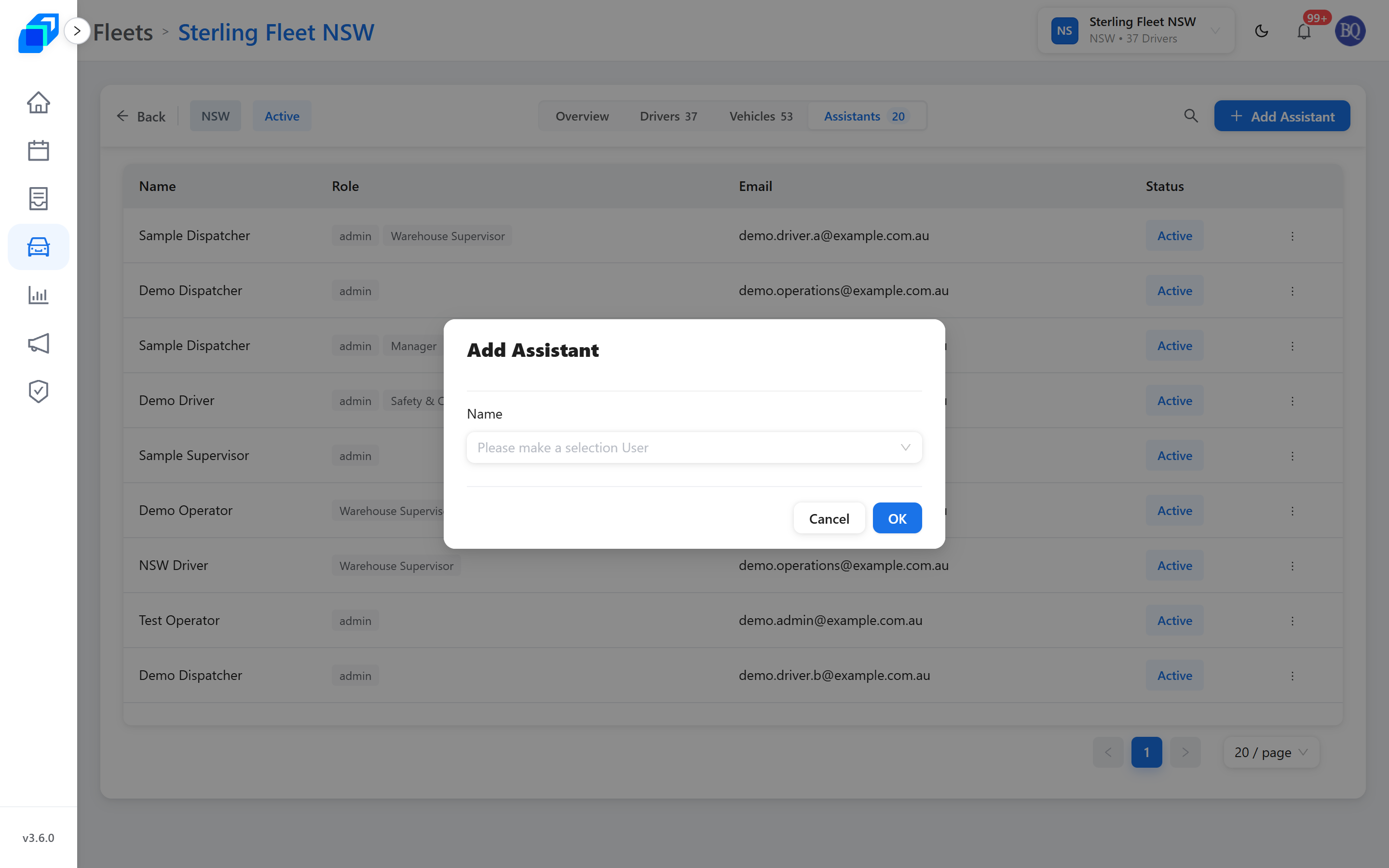
OK closes the Add Assistant dialog and the person you chose is a new row in the table. The count on the Assistants tab goes up by one.
What you need
The fleet selected in the header. The person you are adding must already have an account.
1. See who is on the fleet – VIEW
The tabs across the top are Overview, Drivers, Vehicles and Assistants. The last three carry a count, Overview does not.
The table lists Name, Role, Email and Status. A person can hold more than one role, so the Role column can show several chips; when there are more than fit, the last chip is a count like +1.
2. Add someone – CREATE
Click Add Assistant, choose the person under Name, then click OK. Cancel closes without adding anyone.
3. Change or remove someone – UPDATE
Each row has a ⋮ menu for changing that person's roles or taking them off the fleet.
Removing a person from the fleet cannot be undone from this page. Add them again if it was a mistake.