Fleet parameters
VIEW · UPDATE
Set whether a fleet takes only your own company's orders, or orders from outside as well.
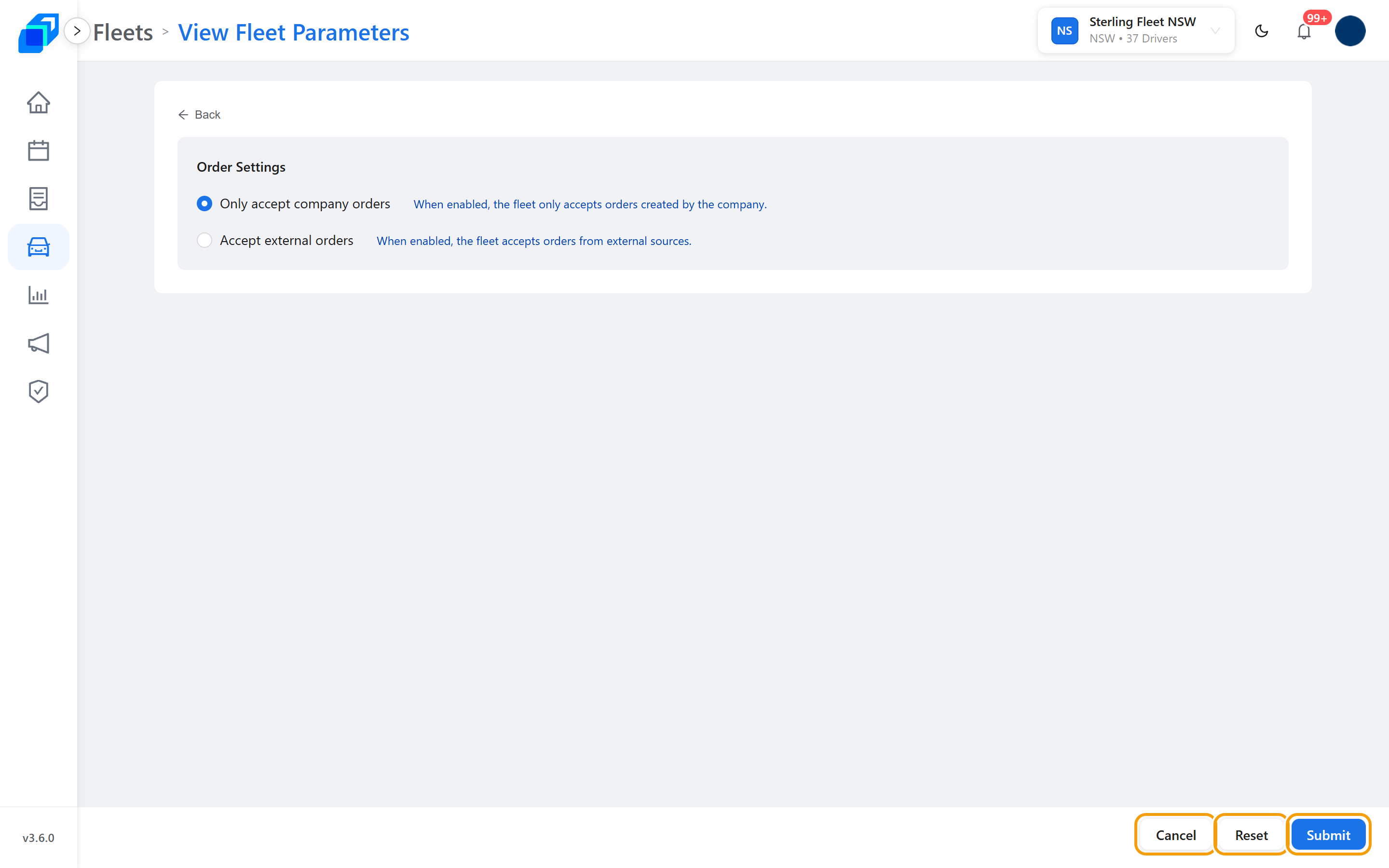
Where to find it: Fleets › your fleet › Overview › Settings › Fleet Parameter. You can also reach it from the fleet row's ⋮ menu, under Fleet › Parameter Settings. The screen is titled View Fleet Parameters.
A Submit Success message appears at the top of the screen, and SenditGo takes you back to the fleet's Overview.
What you need
The fleet selected in the header, and permission to change fleet settings. If you cannot see Fleet Parameter on the Overview settings, it is hidden rather than greyed out – ask your fleet admin.
1. Choose how the fleet takes orders – UPDATE
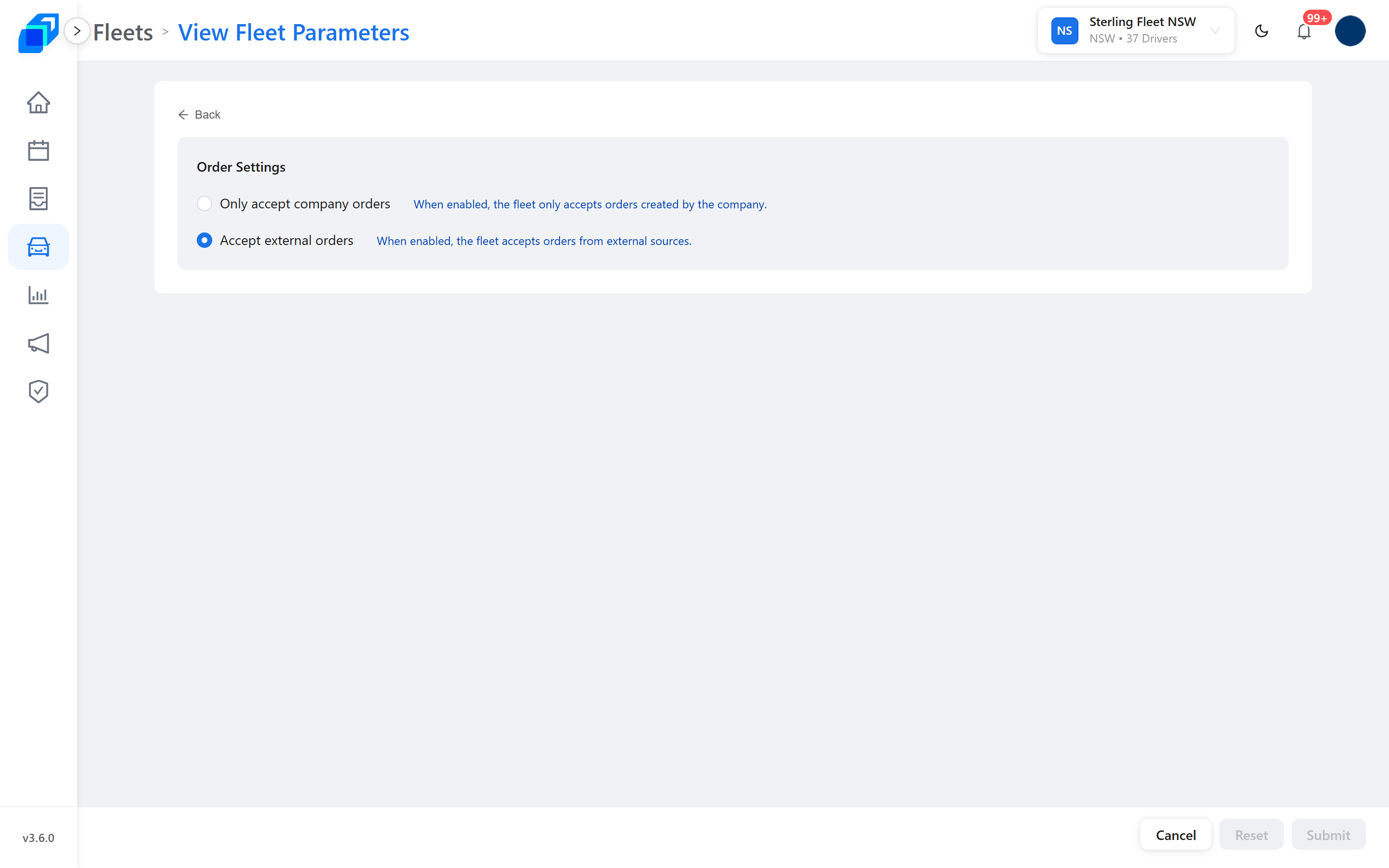
Order Settings has two choices, and only one can be on:
- Only accept company orders – "When enabled, the fleet only accepts orders created by the company."
- Accept external orders – "When enabled, the fleet accepts orders from external sources."
2. Save, or back out – UPDATE
Submit saves. Reset puts the choices back as you found them. Cancel leaves without saving.
Submit and Reset stay greyed out until you actually change something.