Account waiting or blocked
Use the message shown by the app to decide whether to wait, correct your details, or ask your fleet for help.
Where to find it: open SendItGo after registration, or dashboard › Profile.
An approved account opens the dashboard. A corrected section returns to Under Review after you submit it.
Verification in Progress or Under Review
Your submitted details are waiting for review. Editing may be unavailable until the review finishes.
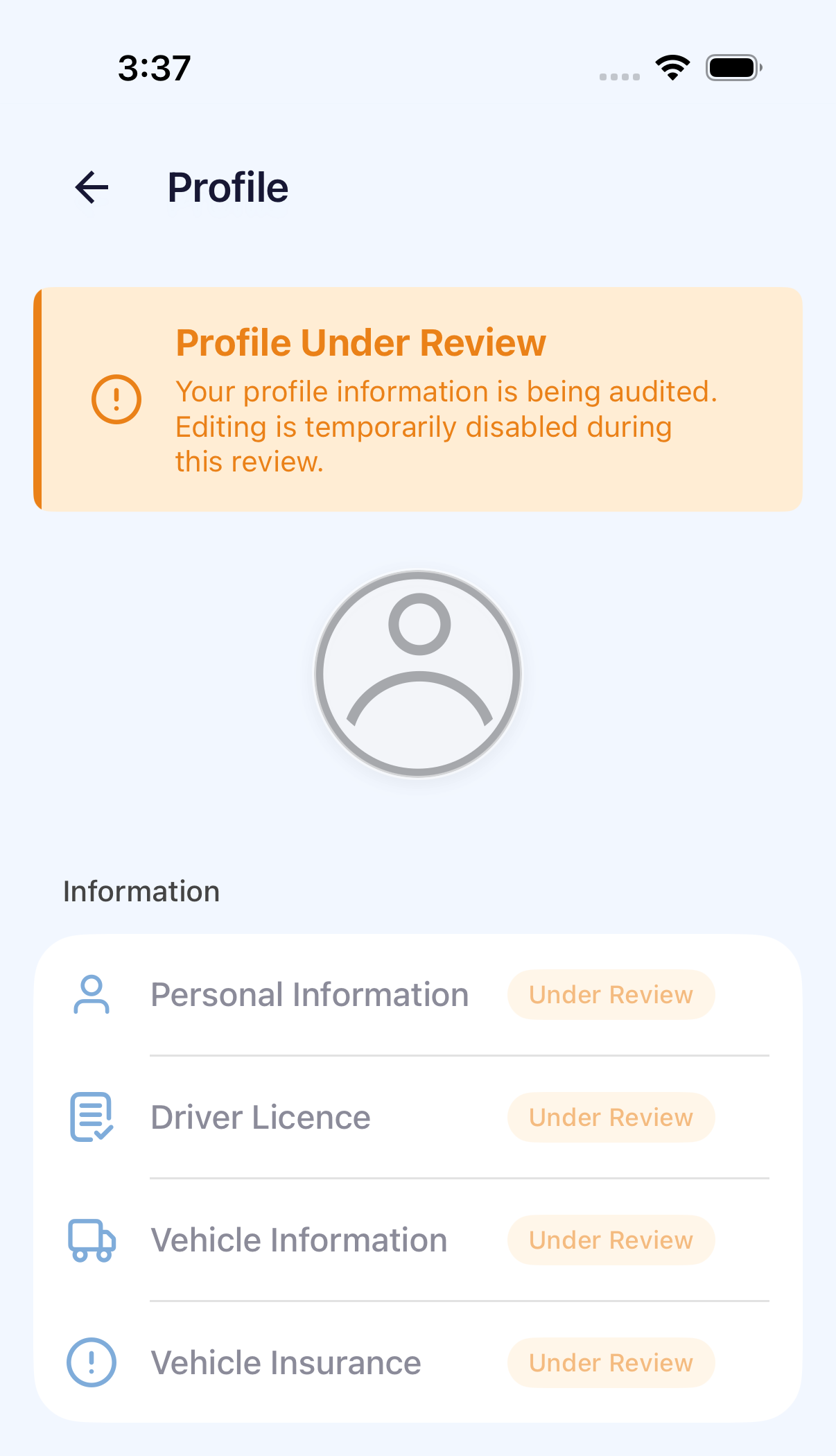
- Wait for your fleet or administrator to complete the review.
- Keep using the same mobile number. Do not create another account.
- If the status does not change within the period communicated by your fleet, contact the fleet administrator.
Registration details need correction
On iPhone, registration corrections open Verification Update Required.
After signing in, open the affected section from Verification Update Required.
- Read the reason and open each section that needs correction.
- Update the requested details or documents. Use Next to continue and Done at the end of the section to return to the correction list.
- Complete every requested section, then tap Submit.
- Wait for Verification in Progress to confirm the registration was resubmitted.
Profile shows Action required or Rejected
For an account already using the app, open the affected section in Profile, correct the requested details and save. Return to Profile, tap Submit for Review → Confirm, then check for Under Review on that section.
If sign-in shows only Amendment Required with no correction list, provide the exact message to your fleet administrator.
Account blocked
Contact your fleet administrator or dispatcher and provide your name, registered mobile number, and the exact message on screen. Reinstalling the app or repeatedly requesting verification codes does not reactivate the account.