Log in on the phone
Use the mobile number registered to your approved driver account.
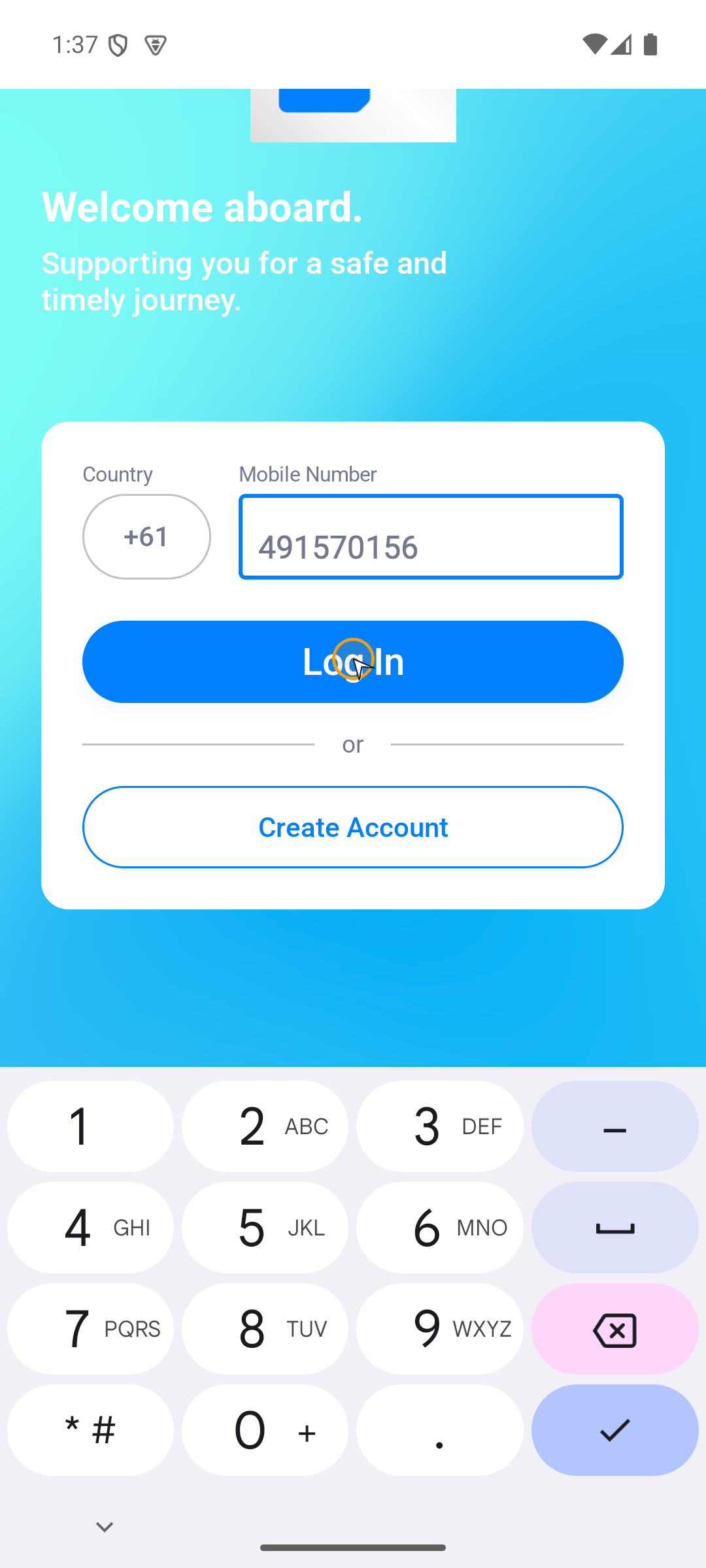
Where to find it: SendItGo › Welcome aboard.
You'll know it worked when
The dashboard opens with your driver profile and today's work.
- Choose the correct country code.
- Enter your local mobile number without repeating the country code.
- Tap Log In.
- Enter the 6-digit code. The app moves on by itself as soon as all six boxes are filled.
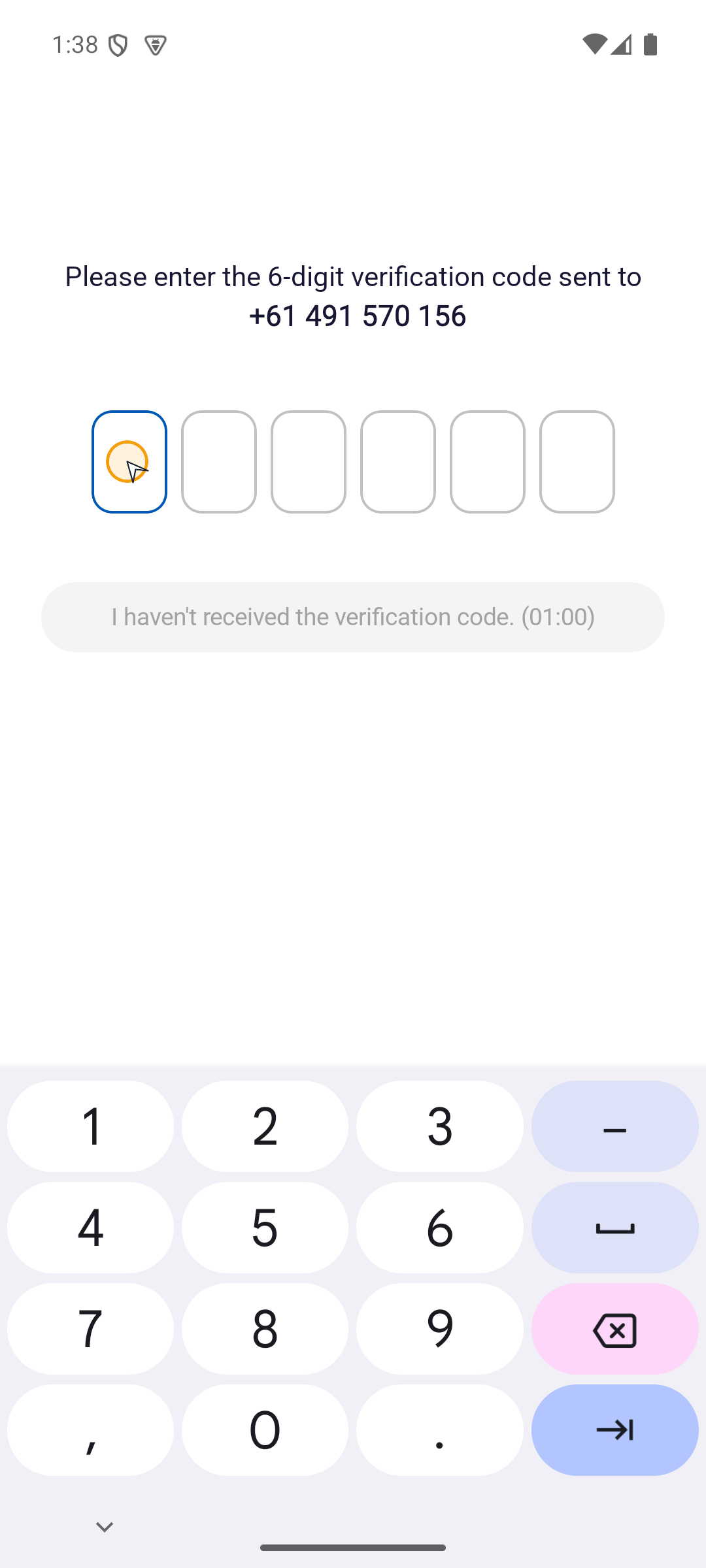
If the code does not arrive, check the mobile number, wait for the countdown to finish, then tap I haven't received the verification code. once. If the account is still being reviewed or is blocked, follow Account waiting or blocked.