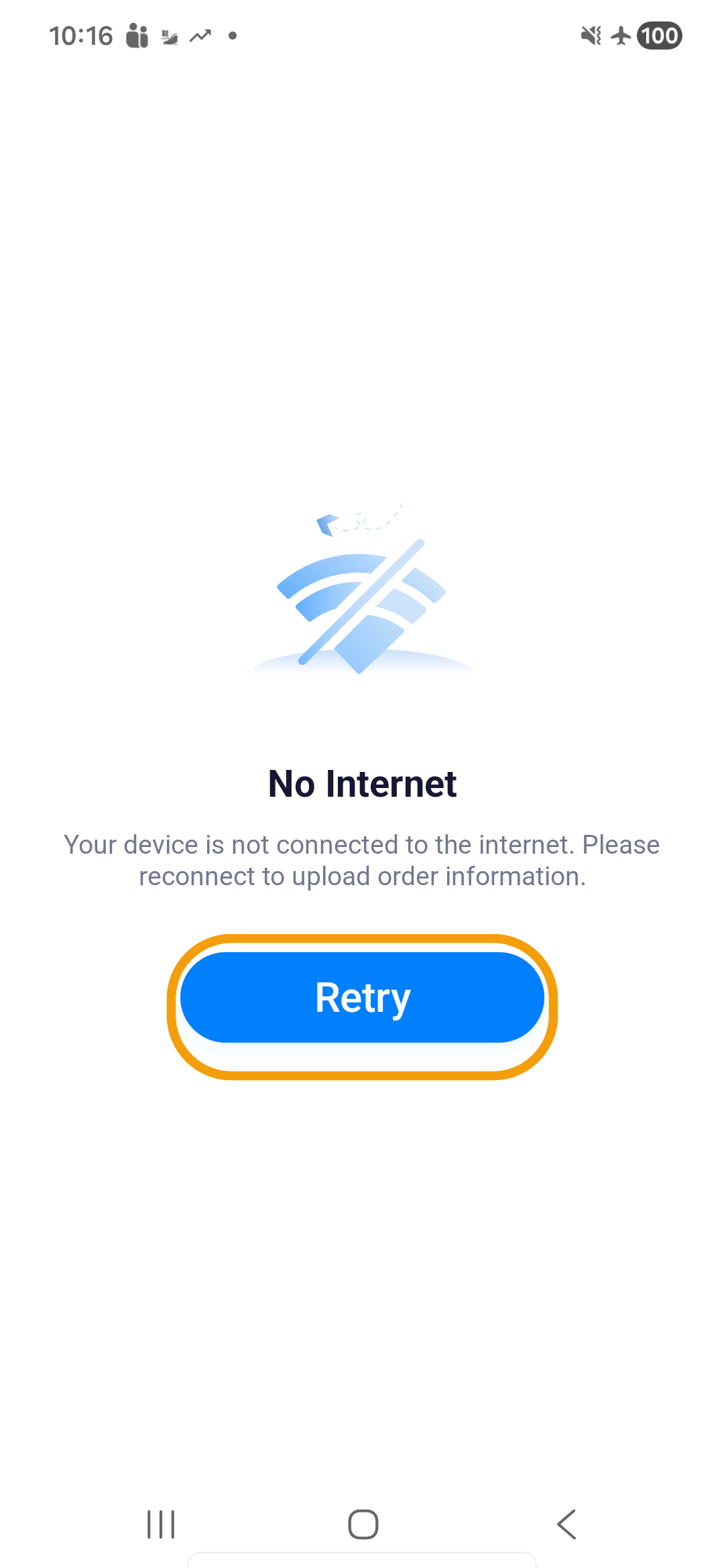
Upload failed or no internet
The app queues saved scans, proof, and completion data and retries when a connection returns.
Where to find it: current route or stop › upload error › Retry.
You'll know it worked when
The current route loads after reconnection, and completed stops remain complete. Follow any remaining upload-error prompts to retry.
- Keep the app installed and do not clear its data.
- Move to a stable mobile-data or Wi-Fi connection.
- Return to the error screen and tap Retry when it is offered.
- Leave the app open long enough for queued uploads to finish.
- Reopen the current route and confirm the completed stop remains complete.
If the same item still fails after reconnection, note the Plan ID, order number, stop, and time, then contact dispatch or support. Do not repeat a delivery or create a second proof merely to clear the error.
An error disappearing means that operation can continue; it does not confirm that every background upload has finished.