Words you will see
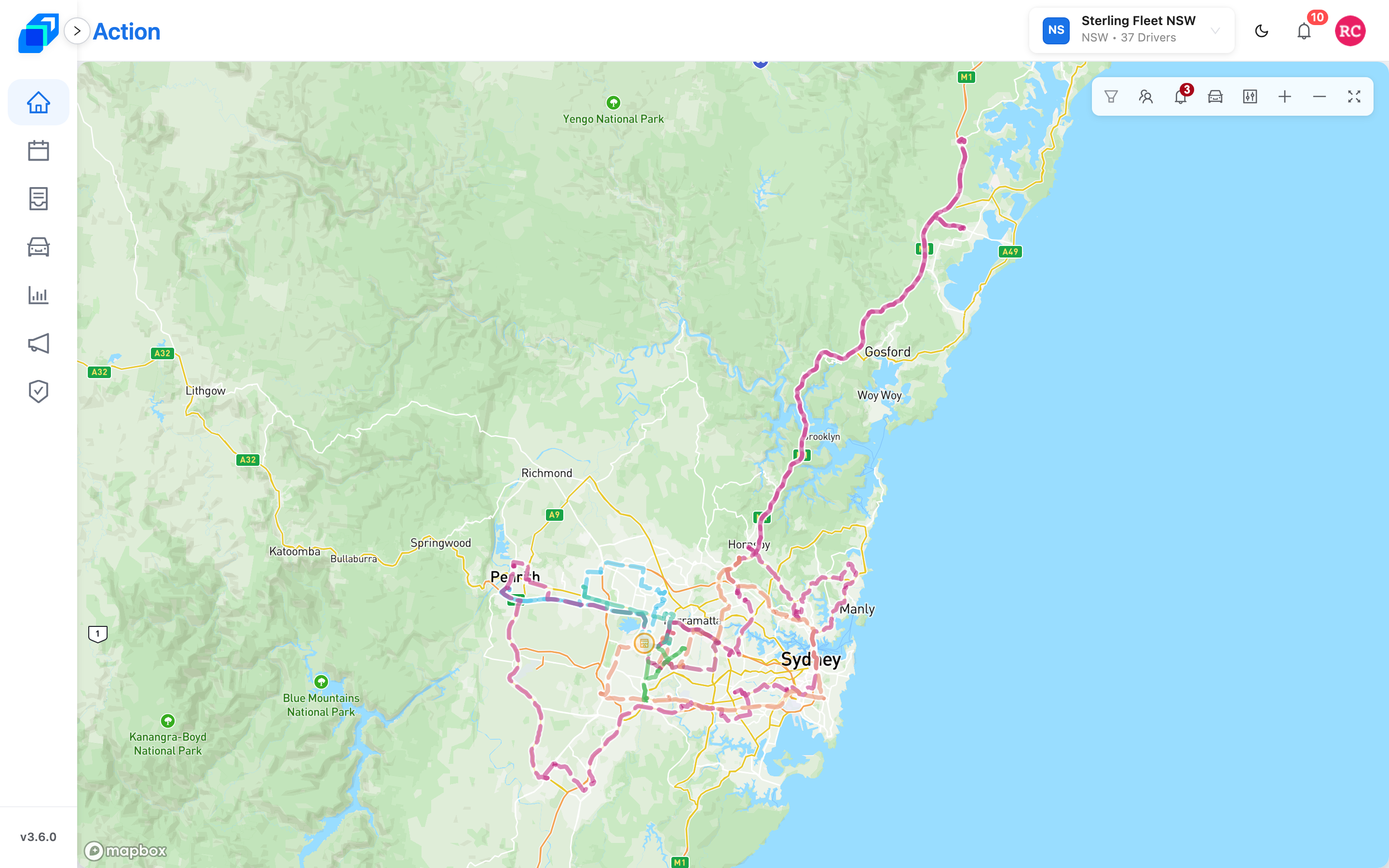
Use the exact word shown on the screen. Where iPhone and Android use different entry labels, this list names the platform explicitly. Chinese guidance is on the 繁體中文 pages.
| You will see | What it is | Do not call it |
|---|---|---|
| Warehouse | Where packages start and, when the shift says so, come back | Depot |
| Roster | The week of shifts and who is on them | Booking |
| Run Sheet | One driver's work for a window (AM / PM) | Dispatch sheet |
| Order | One delivery (or pick-up) | Ticket (that word is a coupon in Chinese) |
| Order Management | The live board where you put orders on run sheets | Dispatch board |
| Action | The home map after you sign in | Dashboard |
| Assigned | The order is on a run sheet | Dispatched |
| Drop off | Take the package to the recipient | Deliver (the type on the form is Drop off) |
| Log In | The driver-app sign-in button | Continue |
| Go! | Start the route | – |
| Report Exceptions | iPhone and Android package-row entry and exception screen: Missing / Damaged / Wrong Delivery | – |
| Stop Complete! | This stop is done | – |
| Roles & Groups | Groups such as the general-manager group, and the jobs inside them | Booking / permission codes |
| Permission Matrix | Ticks and crosses: which role can see which view | – |
| Add Users | Wizard step 3 – tick people, then Confirm & Create | Members step |
| Save Draft | Keep a shift only you can see | Save as draft |
| Copy to Draft | Copy a live shift into Drafts | Copy as draft |
| Schedule Publish | Pick a Publish Date for a draft | Schedule release |
| Covered Postcodes | Suburbs inside the drawn delivery area | Postcode tab |
Company warehouse list: Company › Warehouse.
Drivers for a fleet: Fleets › your fleet › Drivers.
Next steps
- Why some menus are hidden – what your role lets you open
- From dispatch to delivered – where each word is used
- Troubleshooting and FAQ – what to do when a screen disagrees with you